 ChatGPT
 Claude
 Perplexity
 Gemini
 Grok
GrokWhat counts as a dormant student lead, and when should you act?
A dormant lead is a prospect who gave a clear signal of interest — a brochure download, a newsletter sign-up, a question asked through your chatbot — and then went quiet. In admissions, the threshold for "dormant" is not the generic 90-day rule marketers borrow from B2B: a prospect who hasn't engaged in 30 days right before the UCAS main deadline in mid-January is already cooling fast, while the same silence in late July, once Clearing has settled down, may mean very little.
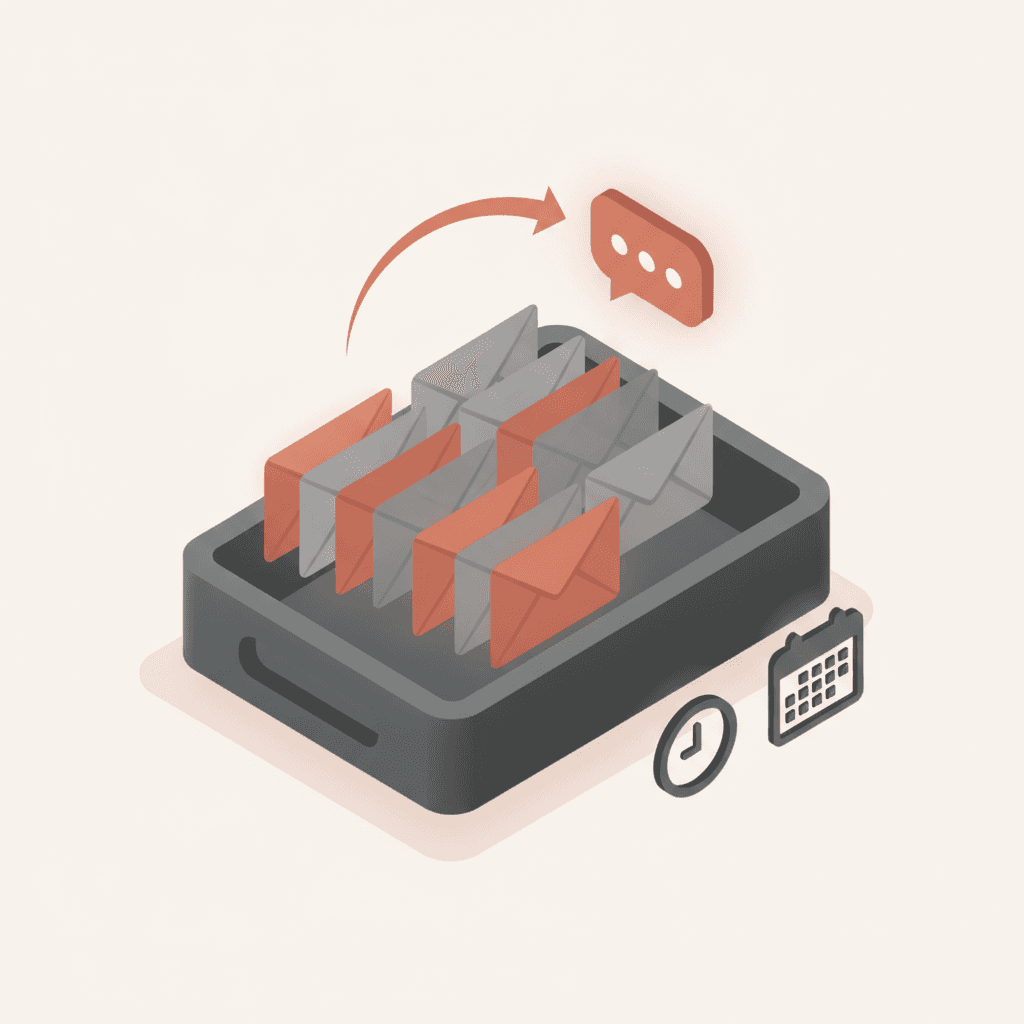
The simplest test is to cross-reference silence with your admissions calendar rather than a fixed number of days. A prospect who requested a brochure in September and hasn't reopened an email by early November, just as postgraduate or foundation-year deadlines start closing, should enter a reactivation sequence straight away. Waiting for a generic 90-day silence window means missing the decision window entirely, especially around the UCAS January deadline and the August Clearing rush, when dormant records spike as students who never applied resurface looking for a place.
That dormant database is not dead weight. These are contacts who already know your school, gave their email voluntarily, and cost nothing to win back — unlike the average cost to acquire an enrolled student in the UK, which sits at £2,400-3,200 (Source: Skolbot estimates based on EAIE, StudyPortals, sector reports, 2025-2026). Every dormant lead you reactivate instead of replacing is a direct saving against that acquisition budget, and it sits alongside the other channels covered in our digital marketing guide for higher education as one of the cheapest levers a marketing team has.
The 3-email reactivation sequence that produces a measurable return
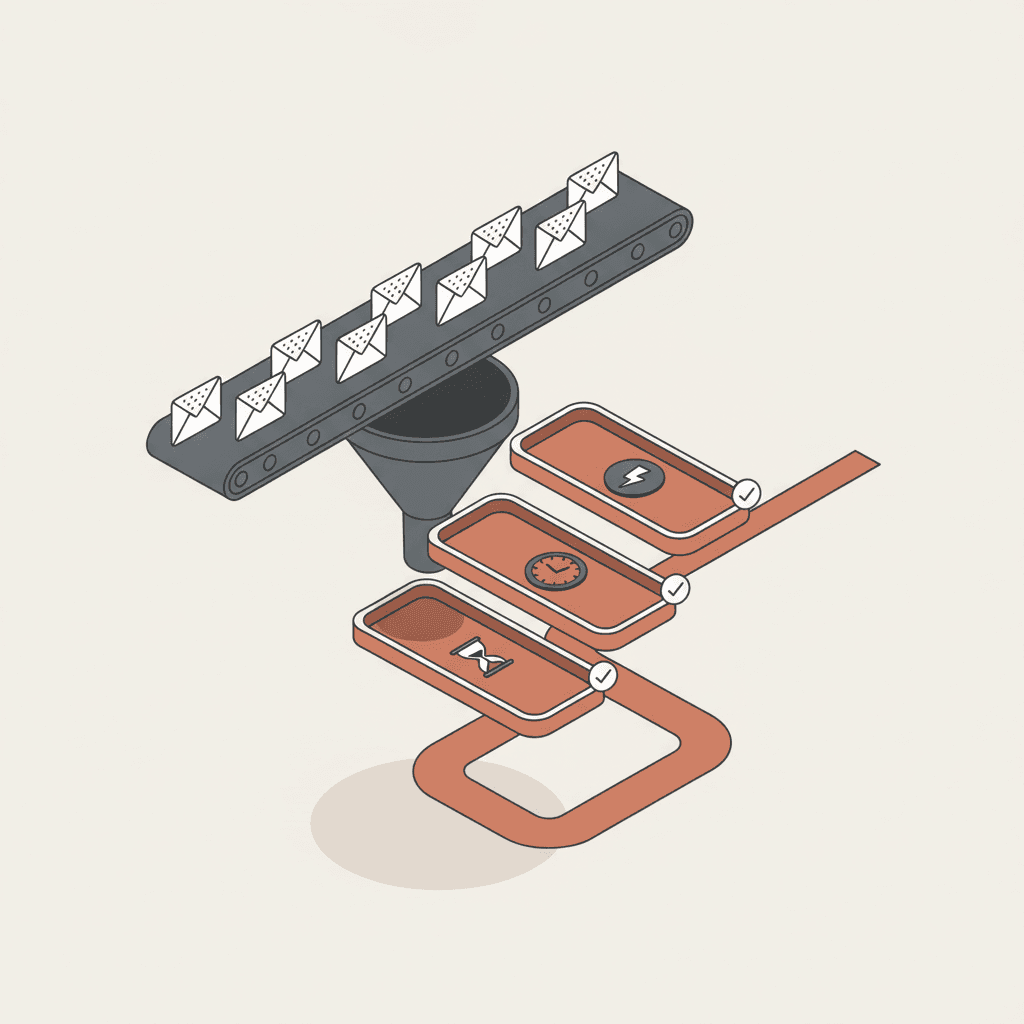
An effective reactivation sequence runs to three emails at most, spaced 5-7 days apart, paired with a chatbot follow-up on whichever channel the prospect already used. Beyond three unanswered attempts you're adding pressure without adding conversions — pull the contact out of the active sequence at that point.
Email 1 — Remove the obstacle, don't repeat the pitch
The first email doesn't sell anything. It names the most likely obstacle: "Were you weighing up funding options?" or "Did the application form feel like a lot?" A prospect disengages almost always because of an unresolved worry — academic, financial, logistical or personal — not because they've lost interest entirely. Addressing that obstacle directly, rather than repeating the original pitch, tends to roughly double open rates compared with a generic nudge.
Email 2 — Fresh proof, not a repeat of the first pitch
Five to seven days later, bring something concrete: graduate outcomes data, a testimonial from an alumnus in a similar field, or an approaching deadline. This is the moment to introduce information the prospect didn't have at first contact — a new open day date, a late-application round, or an extended bursary window.
Email 3 — A clear last call with an explicit choice
The third email offers a binary choice: "Still interested? Book 15 minutes with an adviser" or "Not the right time? Tell us in one click." That explicit exit option counter-intuitively improves response rates — it lowers the perceived friction and pushes undecided prospects to act rather than ignore yet another email.
Our guide to email nurturing for student prospects covers the full nurturing mechanics beyond reactivation alone, and our article on post-brochure-request email sequences covers nurturing for leads that are still active.
Segment before you send: the 4 reasons prospects go quiet
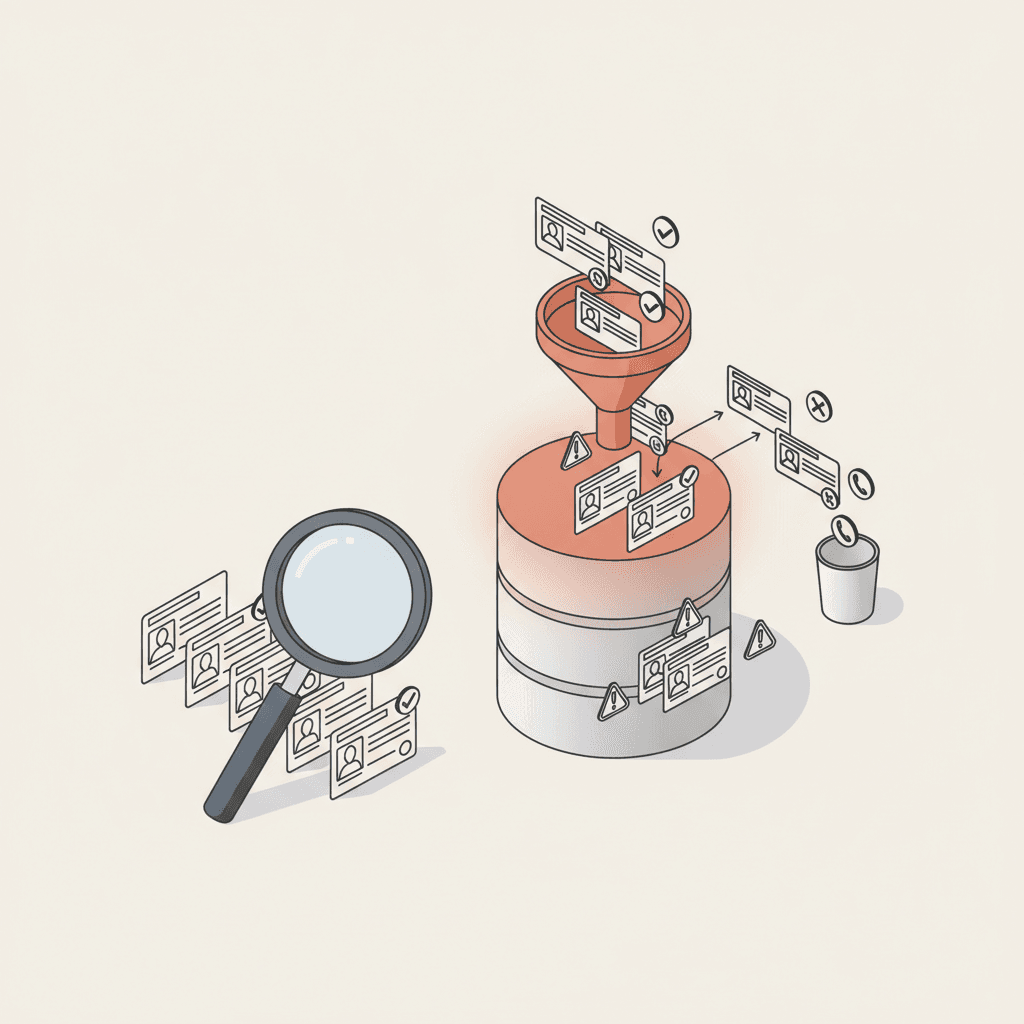
Sending the same sequence to your entire dormant database wastes most of its reactivation potential. A prospect who stalled on cost doesn't respond to the same message as one comparing your school against a competitor. Split your dormant base into four profiles before you write a single email.
| Segment | Disengagement signal | Priority reactivation message |
|---|---|---|
| Financial hesitation | Visited the tuition fees page right before going quiet | Bursaries, instalment plans, a real cost calculator |
| Logistical friction | Never replied to a call or visit invitation | Asynchronous format: chatbot, video FAQ, virtual tour |
| Competitive comparison | Viewed several course pages then disappeared | A concrete differentiator: graduate outcomes, placements, alumni network |
| Simple forgetting | One old interaction, no negative signal | A factual reminder plus an explicit deadline |
This segmentation relies on the pages a prospect viewed before their last interaction and on the questions they asked your chatbot, if you have one — two signals your CRM or scoring tool likely already captures if you track on-site behaviour. Our article on lead scoring for student recruitment explains how to turn those behavioural signals into a reactivation priority order.
The chatbot: an under-used reactivation channel
Email isn't the only reactivation channel, and it's often not the fastest one. An AI chatbot on your website catches a dormant prospect the moment they return spontaneously to check a page — a reactivated interest signal in itself — and can pick up the conversation right where email leaves off, answering in real time instead of waiting for the next inbox check.
Prospects who interact with an AI chatbot return within 7 days in 34% of cases, versus 12% without a chatbot — a 2.8x multiplier (Source: Skolbot cohort analysis, 8,000 tracked sessions over 90 days, 2025). That gap comes down to availability: a prospect who comes back on a Sunday evening to check a deadline gets an answer immediately instead of waiting until Monday morning, which turns a quick fact-check visit into an active conversation again.
In practice, a well-configured chatbot recognises a visitor returning after a long gap and adjusts its opening message accordingly ("You started an application earlier — need a hand finishing it?") rather than serving the same generic flow it would give a first-time visitor. That contextual targeting turns a passive channel — an email waits to be opened — into an active one that catches intent the moment it resurfaces.
Common mistakes to avoid
Three recurring mistakes kill the return rate of a reactivation campaign even when the email copy itself is good.
- Sending without list hygiene first. Emailing an address that's bounced for 18 months damages deliverability for the whole campaign, dormant segment included. Clean out hard bounces before you launch the sequence.
- Going beyond three attempts. Past that point you generate unsubscribes and spam complaints that hurt your active campaigns too, not just the reactivation push.
- Ignoring data retention rules. The ICO expects organisations to keep prospect data no longer than is necessary for the purpose it was collected for, with most UK schools working to a 2-3 year retention window from last contact. Beyond that, sending a reactivation email is itself a compliance problem, not just a wasted send.
What results to expect: the KPIs to track
Three metrics are enough to judge a reactivation campaign: open rate, click rate and actual return rate — a prospect resuming a concrete action such as an application, a booked call, or a question to your chatbot. Automated reactivation campaigns average 20-25% open rates across course types, rising to 42% when the trigger is behavioural rather than a fixed-date resend (HubSpot Research, 2025) — which is exactly why pairing email with a chatbot signal beats sending on a calendar schedule alone.
If your open rate sits below 15% on the first email, the problem is almost never the copy — it's the subject line, the sender name, or the quality of the list itself. Test a named sender (an admissions adviser's name rather than "University of X Admissions") before you touch the body copy; that single change often lifts open rates by several points on its own.
Track these KPIs separately by the disengagement segment covered above. An aggregate 8% return rate can hide a "financial hesitation" segment converting at 15% and a "simple forgetting" segment stuck at 3% — two very different situations that call for completely different message fixes, not one blanket rewrite.
According to UCAS, applicant behaviour clusters heavily around the January deadline and the Clearing window in August, which is exactly when a dormant database is most worth revisiting — prospects who went quiet in fresher application windows often resurface here on their own, and a reactivation sequence timed to meet them is far more efficient than one sent at a random point in the cycle.