 ChatGPT
 Claude
 Perplexity
 Gemini
 Grok
GrokWhat is the enrolment layer?
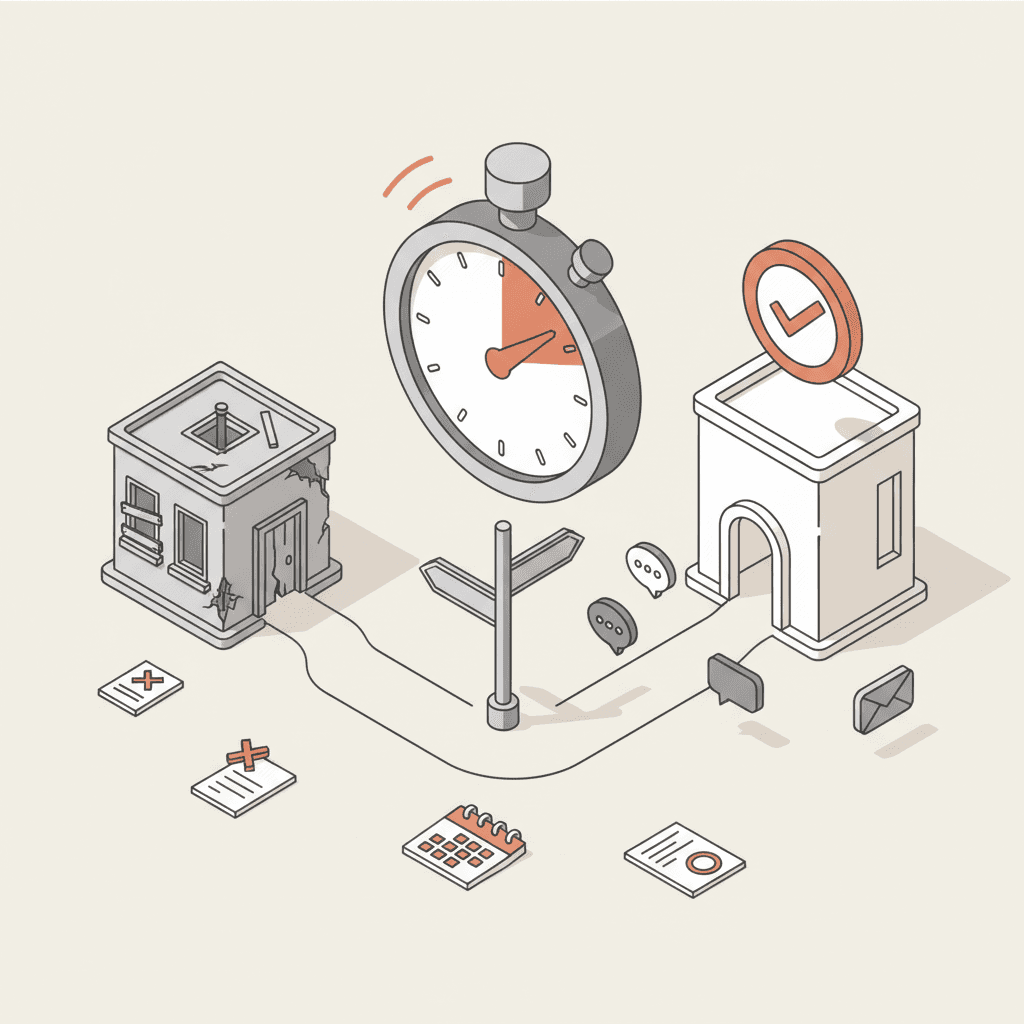
The enrolment layer is the set of tools, data and people that carry an applicant from first enquiry to confirmed enrolment. It sits between your website, your messaging channels, your CRM, your student management system and your admissions team. It is a working framework, not an official term, and it lets you see the whole chain instead of auditing each tool on its own.
Most providers run each piece reasonably well in isolation. The losses happen between the pieces. A website enquiry lands in the CRM without its context. An accepted offer never reaches the student system. An applicant is contacted twice about the same thing by two different teams.
This article sets out six components and five handoffs, then maps them for an Australian provider. It builds on our view of the ideal prospect journey from first visit to enrolment, which covers what the applicant experiences. Here we cover what the institution has to deliver.
The six components
Each component has one job, one owner and one kind of data.
| Component | Job | Data produced | Usual owner |
|---|---|---|---|
| Front door | Website, course pages, enquiry forms, chat or AI agent | Question, course of interest, contact details | Marketing / digital |
| Messaging channels | Email, SMS, messaging apps, phone | Conversation history, channel preference | Admissions + marketing |
| Identity and consent | One applicant, one record, with consent and opt-out | Unique ID, dated consents | Privacy officer |
| CRM | Contact tracking, scoring, journeys, tasks | Applicant stage, source, next action | Recruitment / admissions |
| Application and student system | Documents, offer, acceptance, enrolment | Complete file, offer status, student number | Student administration |
| Admissions team | Assessment, interviews, special cases | Human decision, assessor notes | Head of admissions |
The CRM is often treated as the centre of the setup. For follow-up it is, but the truth about enrolment sits in the student management system. A provider that confuses the two ends up counting an applicant as "enrolled" because a journey marked them so, while student administration has no record.
The five handoffs where applicants get lost
A handoff is the moment information changes system or owner. The chain breaks there, because nobody owns the space between two tools.
| Handoff | What must pass | Typical failure |
|---|---|---|
| 1. Front door to CRM | Contact details, question, course, consent | The form arrives without the chat context |
| 2. CRM to admissions team | Qualified record, priority, next action | No assignment rule: everyone or nobody replies |
| 3. Team to messaging channels | Message sent, reply received, preferred channel | Two parallel follow-ups from two tools |
| 4. CRM to application file | Status, missing documents, closing dates | Different statuses in each system |
| 5. Application to student system | Accepted applicant, administrative data | Manual re-keying, duplicates, misspelt names |
Each handoff needs three written answers: who owns it, which fields must pass, and what happens when the transfer fails. Without the third, you hear about the failure from an applicant.
What the map looks like in Australia
In Australia, the chain depends on the route in. Many undergraduate applicants apply through a state-based admission centre such as UAC in New South Wales and the ACT, others apply directly to the provider, and ATAR-based selection is only one pathway among several. Draw one map per route. Where a centre holds the official application, handoff 4 becomes a synchronisation point with a platform you do not control.
International applicants add another route, often through education agents. That means a further front door and a further handoff: the agent's submission has to reach the same CRM record as a direct enquiry, or the applicant exists twice. Providers registered with the national regulator, TEQSA, must also keep the information they give to prospective students accurate, which is one more reason the answers at the front door must match the course data held elsewhere.
On the data side, the Privacy Act 1988 and the Australian Privacy Principles apply to personal information, and the Office of the Australian Information Commissioner publishes guidance on them. Check with your privacy officer which obligations apply to your institution before connecting a chat tool. In the map this is a component of its own, identity and consent, because it conditions every handoff.
Mapping your enrolment layer in half a day
You need a spreadsheet, an owner per component and a few real applications to trace.
- List the entry points. Enquiry form, chat, phone, open days, expos, agents, social media, listing sites.
- Name one owner per component. A component with no name beside it is an orphan.
- Trace five applicants end to end. Use recent cases, including one who deferred or withdrew.
- Mark every re-keying. Each manual copy is a risk of error and a delay.
- Define the events that count. Choose checkable milestones: first reply sent, open day attended, application complete, offer accepted, enrolment confirmed.
The result is one page showing where applicants wait, where staff duplicate work and where two systems disagree. Tool decisions should start there.
Where an AI agent fits
An AI agent occupies the front door and part of the messaging channels. It answers questions about courses, intakes and entry requirements from your own content, qualifies intent and can offer an open day slot. It can pass the record to the CRM with the conversation context, which addresses the first handoff.
It does not replace the CRM, the student system or your advisers. Admissions decisions and exceptions stay human, as we explain in our article on guiding applicants from first question to enrolment. For capabilities and limits, see our guide to AI agents for student recruitment, and for the wider strategy our pillar guide to student recruitment.
The agent writes into the chain, so it must follow the chain's rules: same stages as the CRM, same applicant ID, same consents.
Common design mistakes
- Buying one tool per problem. Each tool fixes a local gap and opens another at the border with its neighbour.
- Measuring each piece separately. A strong email open rate says nothing about handoff 3.
- Giving the chain to nobody. If marketing owns the front door, admissions the CRM and student administration the end, no one owns the whole. Name one accountable person.