 ChatGPT
 Claude
 Perplexity
 Gemini
 Grok
GrokWhat is the enrollment layer?
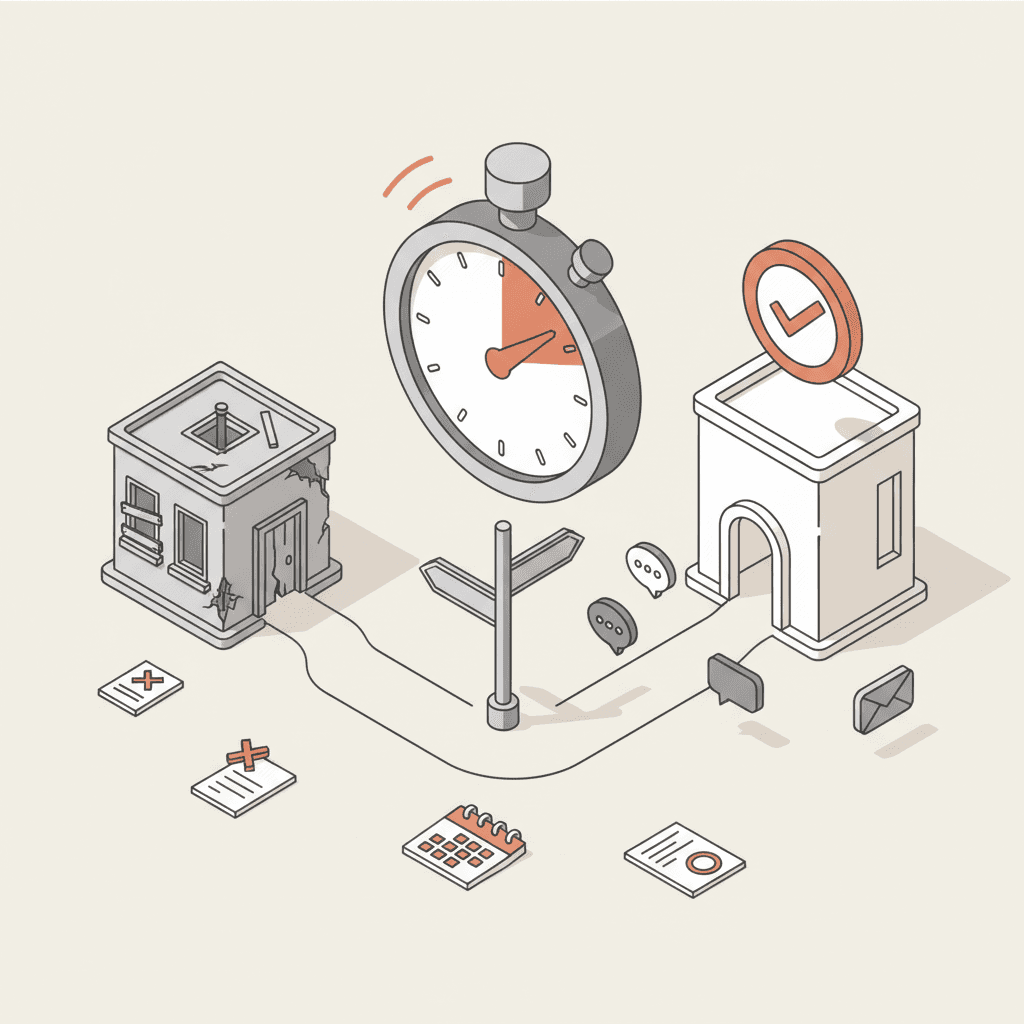
The enrollment layer is the set of tools, data and people that carry a prospective student from first inquiry to confirmed enrollment. It sits between your website, your messaging channels, your CRM, your student information system (SIS) and your admissions office. It is a working framework rather than an industry standard, and its use is that it lets you see the whole chain instead of auditing each tool by itself.
Most colleges run each piece reasonably well on its own. The losses happen between the pieces. An inquiry typed into the site reaches the CRM without its context. A paid deposit never shows up in the SIS. An admitted student is emailed twice by two different offices.
This article describes six components and five handoffs, then shows how the map looks for a US college. It builds on our look at the ideal prospect journey from first visit to enrollment, which covers what the student experiences. Here we cover what the institution has to deliver.
The six components
Each component has one job, one owner and one kind of data. The table lays them out.
| Component | Job | Data produced | Usual owner |
|---|---|---|---|
| Front door | Website, program pages, inquiry forms, chat or AI agent | Question, program of interest, contact details | Marketing / digital |
| Messaging channels | Email, text, messaging apps, phone | Conversation history, channel preference | Admissions + marketing |
| Identity and consent | One student, one record, with opt-in and opt-out | Unique ID, dated consents | Privacy / compliance office |
| CRM | Contact tracking, scoring, communication flows, tasks | Student stage, source, next action | Admissions / enrollment marketing |
| Application and SIS | Application, documents, decision, deposit, registration | Complete file, decision, student ID | Registrar / admissions |
| Admissions office | Interviews, holistic review, special cases | Human decision, reader notes | Dean or VP of enrollment |
Teams often treat the CRM as the center of the setup. For follow-up it is, but it does not hold the truth about enrollment. That lives in the SIS. A college that confuses the two ends up counting a student as "enrolled" because a flow marked them that way, while the registrar has no record of them.
The five handoffs where students drop out
A handoff is the moment information changes system or owner. The chain breaks there, because nobody owns the space between two tools.
| Handoff | What must pass | Typical failure |
|---|---|---|
| 1. Front door to CRM | Contact details, question asked, program, consent | The form arrives without the chat context |
| 2. CRM to admissions counselors | Qualified record, priority, next action | No territory or assignment rule |
| 3. Counselors to messaging channels | Message sent, reply received, preferred channel | Two parallel follow-ups from two tools |
| 4. CRM to application file | Status, missing documents, deadlines | Different statuses in each system |
| 5. Application to SIS | Admitted and deposited student, administrative data | Manual re-keying, duplicates, misspelled names |
Each handoff needs three written answers: who owns it, which fields must pass, and what happens when the transfer fails. If you cannot answer the third, you will hear about the failure from a family.
What the map looks like in the US
In the US, the shape of the chain depends on how students apply. Many colleges receive applications through the Common App, which means the official application lives in a system you do not control. Your website, messaging and CRM remain yours, but handoff 4 becomes a synchronization point with an outside platform. Institutions that run their own application portal own the chain end to end.
The deposit deadline and the summer after it are where the weakest handoffs show. A student can be admitted, deposit, and still never appear correctly in the SIS or the housing and orientation systems. A map drawn in a quiet month lets you fix that before the cycle peaks.
On the data side, student education records are covered by FERPA, and the U.S. Department of Education's Student Privacy site explains how the law applies to institutions. Prospective students who have not enrolled are generally treated differently from enrolled students, and state privacy laws may add rules for the data you collect through your website and chat. Have counsel confirm which rules apply to each data type before you connect any tool. In the map, this is a component of its own, identity and consent, because it conditions every handoff.
Mapping your enrollment layer in half a day
You need a spreadsheet, an owner for each component and a few real applications to trace. Five steps:
- List the entry points. Inquiry form, chat, phone, campus visits, college fairs, social media, search platforms. Each starts a chain.
- Name one owner per component. A component with no name beside it is an orphan.
- Trace five students end to end. Use recent cases, including one who withdrew, and reconstruct what happened at each handoff.
- Mark every re-keying. Each manual copy is a risk of error and a delay.
- Define the events that count. "Inquiry created" says little. Choose checkable milestones: first reply sent, visit completed, application complete, deposit received, enrollment confirmed.
The result is one page showing where students wait, where staff duplicate work and where two systems disagree. Tool decisions should start there, not from a vendor comparison.
Where an AI agent fits
An AI agent occupies the front door and part of the messaging channels. It answers questions about programs, deadlines and requirements from your own content, qualifies intent and can offer a campus visit slot. It can also pass the record to the CRM with the conversation context, which addresses the first handoff.
It does not replace the CRM, the SIS or your counselors. Admissions decisions, financial aid conversations and exceptions stay human, as we explain in our article on guiding applicants from first question to enrollment. The capabilities and limits of agents are covered in our guide to AI agents for student recruitment.
One rule applies before any connection: the agent writes into the chain, so it must follow the chain's rules. Same stages as the CRM, same student ID, same consents. An agent that creates its own duplicates adds a component to the problem instead of removing one. For the broader strategy, see our pillar guide to student recruitment.
Common design mistakes
- Buying one tool per problem. Each tool fixes a local gap and opens another at the border with its neighbor.
- Measuring each piece separately. A strong email open rate says nothing about handoff 3.
- Giving the chain to nobody. If marketing owns the front door, admissions owns the CRM and the registrar owns the end, no one owns the whole. Name one person accountable for the full chain, even part time.